
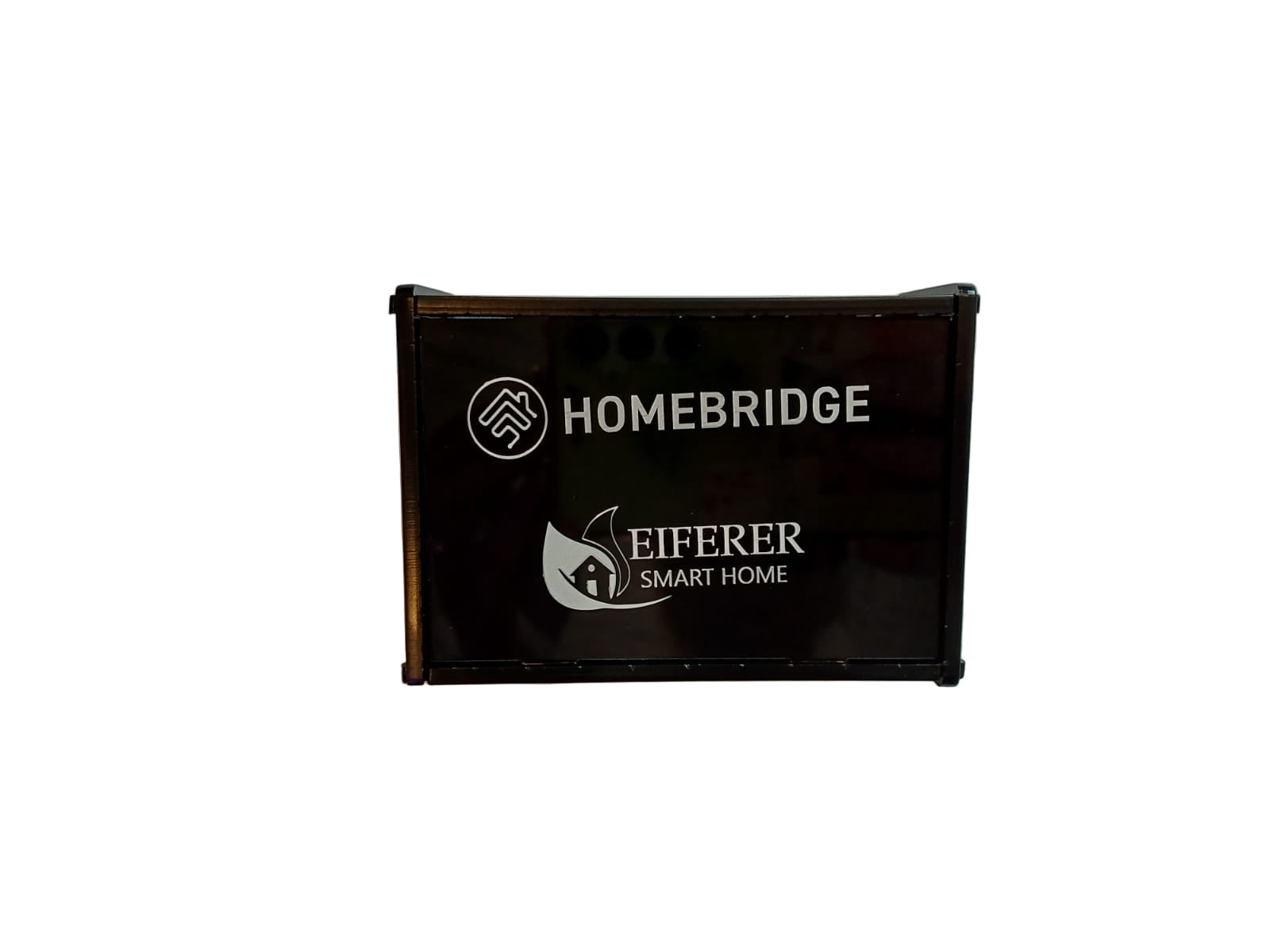
🍎 Homekit Box — Pre-Built HomeBridge Server for Apple Home Integration
A ready-to-use HomeBridge server that bridges your non-HomeKit smart devices into Apple Home (HomeKit). Simply plug it in, connect to your network, and your SONOFF, Tuya, and other WiFi/Zigbee devices appear in the Apple Home app on your iPhone, iPad, Mac, and Apple Watch. No coding. No command line. No Raspberry Pi setup. This is a complete, pre-configured unit — just power on and go.
⚡ Key Features
- Pre-Built & Pre-Configured — HomeBridge is already installed and configured; no command line, no Linux skills, no SD card flashing required
- Apple Home Integration — your SONOFF, Tuya, eWeLink, and other smart devices appear directly in the Apple Home app and respond to Siri voice commands
- HomeBridge Server — runs HomeBridge, a lightweight NodeJS server that emulates the iOS HomeKit API and bridges third-party devices into Apple’s ecosystem
- Community Plugin Support — thousands of community-developed plugins for virtually every smart home brand: eWeLink, Tuya, Broadlink, Xiaomi, TP-Link, Ring, Nest, and many more
- Siri Voice Control — “Hey Siri, turn off the living room lights.” “Hey Siri, set the bedroom fan to medium.” Control your entire smart home with your voice via Apple devices
- Apple Home Automations — use Apple Home’s automation engine: geofencing (arrive/leave home), time-of-day triggers, sensor-based scenes, and multi-device routines
- Runs 24/7 — always-on server ensures your HomeKit bridge is available whenever you need it; low power consumption
- Web Dashboard — manage plugins, update configurations, and monitor status via the HomeBridge web UI from any browser on your network
🏠 What Can You Do?
Control SONOFF via Siri
“Hey Siri, turn on the kitchen lights.” Your SONOFF switches, plugs, and sensors appear as native HomeKit accessories in Apple Home.
Apple Home Scenes
Create scenes in Apple Home: “Good Morning” turns on lights, opens curtains, starts the coffee machine. One tap or Siri command activates everything.
Geofencing Automations
Apple Home knows when you leave and arrive. Automatically lock doors, turn off lights, and arm security when you leave — all based on your iPhone’s location.
Apple Watch Control
Tap your Apple Watch to control lights, fans, and scenes. No phone needed — the Home app on your wrist gives you instant access.
📋 What’s In the Box
| Product | Homekit Box (Pre-Built HomeBridge Server) |
| Software | HomeBridge (pre-installed and configured) |
| Function | Bridges non-HomeKit devices into Apple Home |
| Compatible Ecosystems | eWeLink (SONOFF), Tuya/Smart Life, Broadlink, and 2000+ community plugins |
| Control Via | Apple Home app, Siri, Apple Watch, iPad, Mac |
| Network | Connects to your home WiFi / Ethernet |
| Management | Web dashboard (browser-based) |
| Power | Always-on, low power consumption |
❓ Frequently Asked Questions
Do I need technical skills to set this up?
Does it work with SONOFF / eWeLink devices?
Can I still use eWeLink and Alexa alongside Apple Home?
How is this different from buying a Raspberry Pi?
Does it work during load shedding?
🤝 Need Help? We’re Here for You!
Visit Us
8 Wildebraam Street
Weltevreden Park, Roodepoort
Gauteng, 1709
Your SONOFF Devices. In Apple Home. Finally.
Homekit Box — pre-built HomeBridge server · Siri · Apple Home · No coding required · R1,999
Reviews
There are no reviews yet.